
Download PCA : Poster Maker – Poster Maker, Flyer Maker, Advertisement Maker
Overview
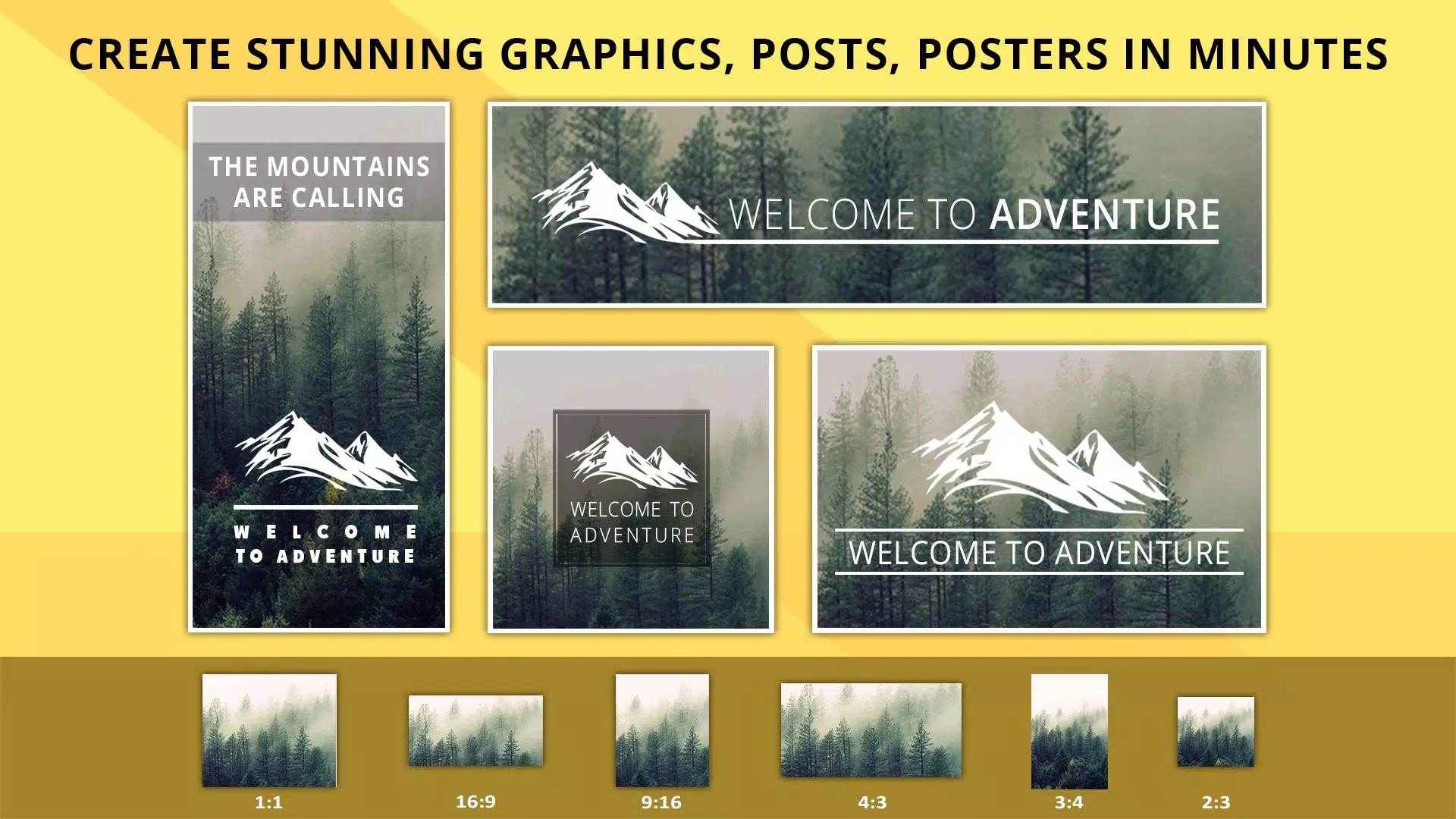
PCA : Poster Maker is a mobile application designed to simplify the creation of promotional materials such as posters, flyers, and advertisements. Tailored for both individuals and small businesses, the app enables users to transform simple ideas into visually compelling content with minimal effort. Its core purpose lies in democratizing graphic design by offering accessible tools that do not require professional experience.
The app addresses common challenges in content creation—such as time constraints, lack of design skills, and limited access to desktop software—by providing a streamlined, mobile-first solution. Real-world use cases include event promotion, product launches, social media campaigns, and personal branding. The app’s intuitive interface ensures quick onboarding, making it suitable for users across age groups and technical proficiency levels.
While the developer, PCA, is listed without additional background, the app’s consistent updates and user-focused features suggest a dedicated development team. In the broader app ecosystem, PCA : Poster Maker fills a niche for lightweight, efficient design tools on Android, offering a viable alternative to complex desktop applications. It enhances the value of smartphone usage beyond communication and entertainment, turning devices into creative workspaces.
Key Features & Functionality
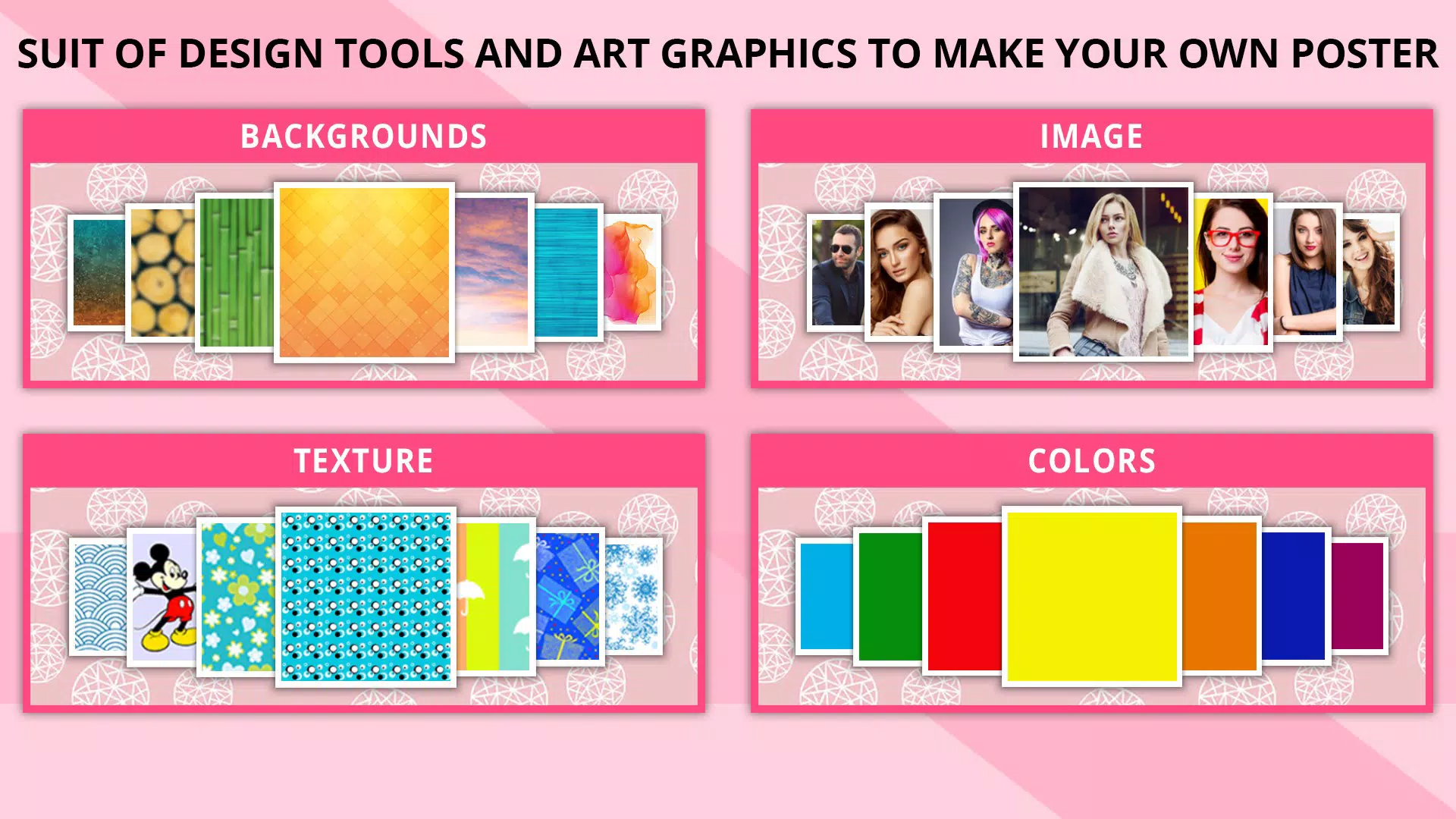
- Diverse Background Options: Users can select from over 120 backgrounds, including solid colors, textures, and custom images. This variety supports a wide range of design needs—from minimalist layouts to vibrant, attention-grabbing visuals. For example, a local café can use a warm, textured background to evoke a cozy atmosphere, while a tech startup might opt for a sleek gradient to convey innovation.
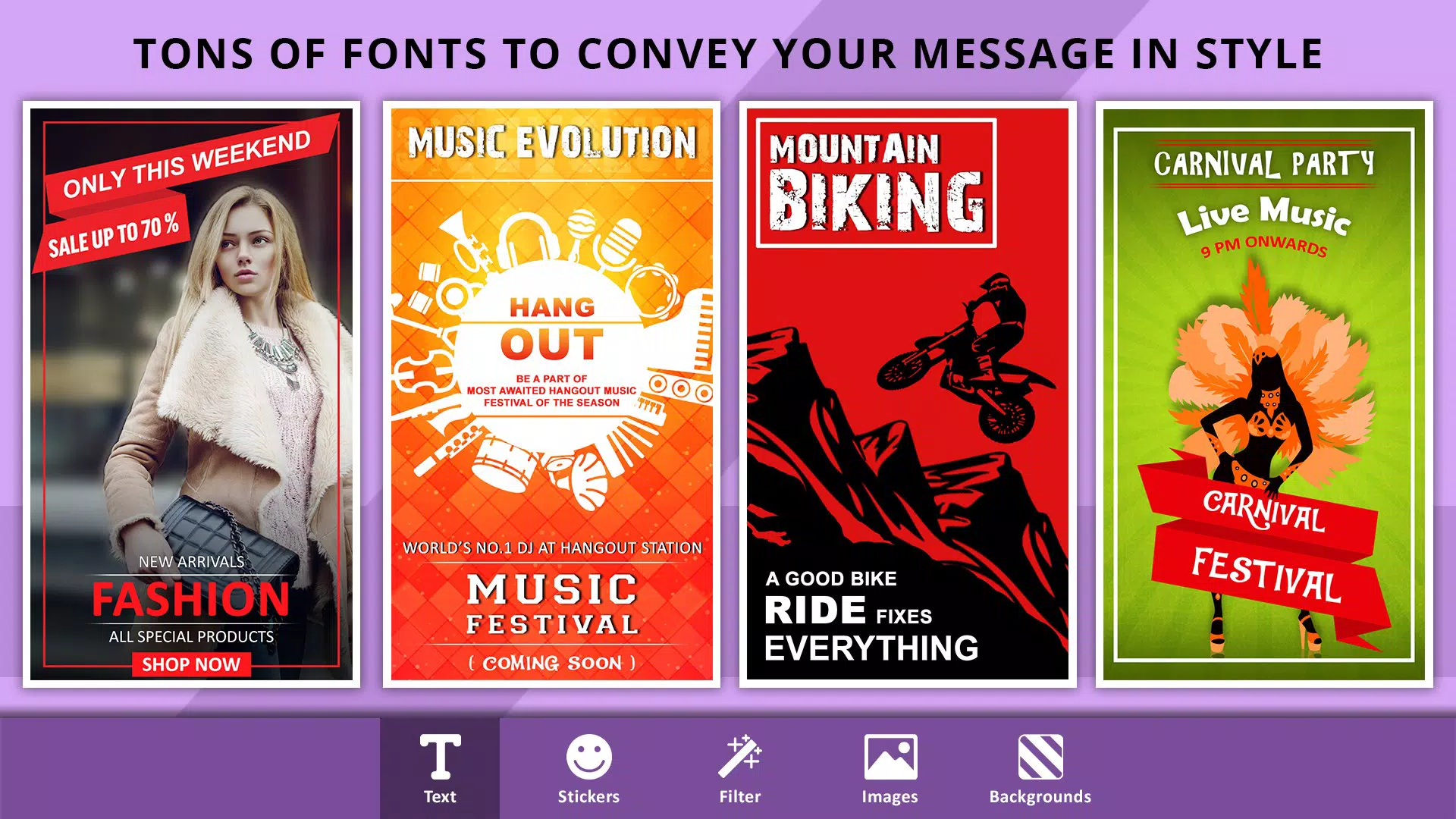
- Customizable Text Features: The app allows users to add, edit, and stylize text with a range of fonts, alignment options, color choices, and visual effects. This functionality ensures that messages remain clear and impactful. A user promoting a concert can emphasize the date and venue with bold, contrasting text to maximize readability and urgency.
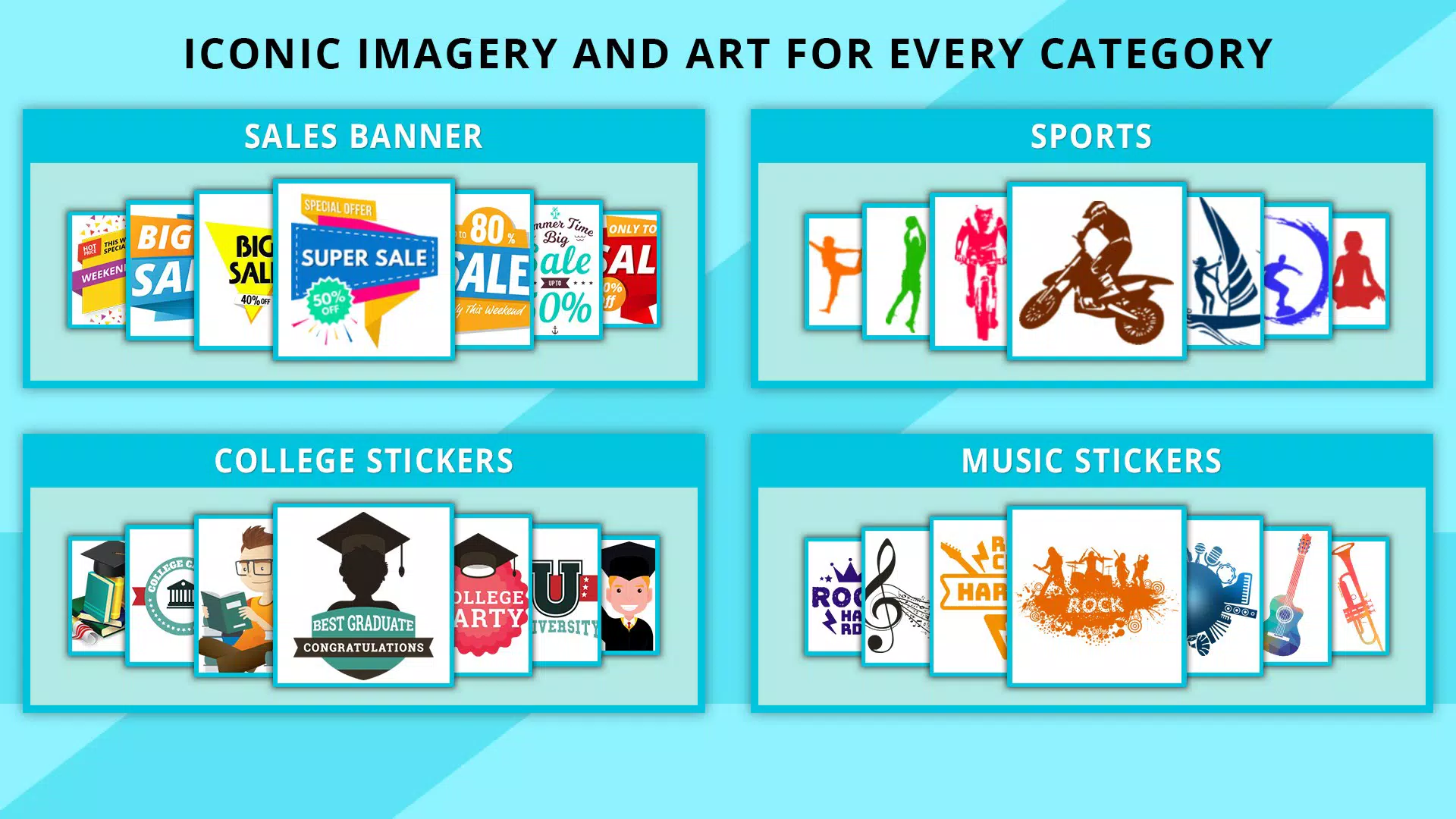
- Unique Stickers and Photos: A curated collection of stickers adds decorative and thematic elements, while the ability to insert personal photos enables customization and emotional connection. A school event organizer, for instance, can include student photos and playful stickers to create a festive, inclusive poster.
- Easy Saving and Sharing: Designs can be saved directly to an SD card or shared instantly across social media platforms. This seamless workflow supports rapid distribution, crucial for time-sensitive campaigns like flash sales or last-minute event announcements.
Each feature is designed to reduce friction in the design process, allowing users to focus on creativity rather than technical complexity. The combination of ready-to-use templates and real-time editing makes PCA : Poster Maker a practical utility for daily promotional tasks.
Interface, UX & Performance
The user interface of PCA : Poster Maker is structured around simplicity and visual clarity. The layout prioritizes accessibility, with toolbars and menus positioned for intuitive navigation. Users can quickly access background selection, text editing, and image insertion through clearly labeled icons.
The visual style is clean and uncluttered, minimizing distractions and supporting focused design work. Navigation flows logically from one step to the next, reducing the learning curve for new users. Although the developer did not list formal performance metrics, the app’s lightweight size of 25.1 MB suggests optimized resource usage, which likely contributes to smooth operation across various Android device categories.
Responsiveness is consistent during design tasks, with minimal lag when applying effects or switching between elements. Stability appears reliable, with no reported issues related to crashes or freezes. The app maintains performance even when handling multiple layers of text, stickers, and images.
Overall, the user experience is efficient and focused on task completion, aligning with the app’s goal of enabling fast, effective content creation.
Platform Compatibility & Technical Requirements
PCA : Poster Maker is available exclusively on the Android platform. The current version is 2.0.1, with a file size of 25.1 MB. The developer did not specify minimum OS requirements, nor did they provide details on device compatibility beyond the platform.
As such, compatibility with specific Android versions or hardware configurations remains unclear. Users are advised to ensure their device meets standard Android system requirements for running third-party applications. The app’s lightweight footprint suggests it may function well on older or mid-tier devices, but this has not been confirmed by the developer.
Installation is straightforward via official app stores, and the app is free to download and use. No in-app purchases or subscription models were noted in the provided information.
Pros and Cons
Pros
- Intuitive interface suitable for users with no design experience.
- Over 120 background options for diverse visual styles.
- Flexible text customization with fonts, colors, and alignment.
- Supports personal photos and stickers for personalized designs.
- Effortless saving and sharing to SD card and social media.
- Lightweight size (25.1 MB) for quick installation.
- Free to download and use with no hidden costs.
Cons
- Specific OS version requirements were not disclosed.
- No information on cloud backup or cross-device sync.
- Developer did not provide details on update frequency or future roadmap.
- Feature set appears limited to core design tools without advanced editing.
- Compatibility with older Android versions is unconfirmed.
FAQ
Is PCA : Poster Maker available for iOS?
Currently, the app is only available on the Android platform. There is no official iOS version listed.
Can I use PCA : Poster Maker offline?
Yes, once installed, the app functions without an internet connection, allowing users to create and save designs anytime.
Are there any in-app purchases?
The app is free to download and use. No in-app purchases or subscriptions were identified in the provided information.
How do I share my poster on social media?
After finalizing your design, use the built-in sharing function to post directly to platforms like Facebook, Instagram, and WhatsApp.
Is my data safe when using the app?
Since the app saves files locally to your device or SD card, your designs remain under your control. No data is transmitted to external servers unless shared via social media.
Final Thoughts + CTA
PCA : Poster Maker stands out as a practical, accessible tool for anyone needing to produce high-impact promotional content on the go. Its combination of diverse backgrounds, customizable text, and easy sharing makes it a valuable asset for students, entrepreneurs, event organizers, and small business owners. The app’s lightweight design and free availability further enhance its appeal, especially for users seeking a no-frills solution.
While some technical details remain unspecified, the app delivers consistent performance and a smooth user experience. For those who value creativity, efficiency, and simplicity in mobile design, PCA : Poster Maker offers a compelling value proposition. Download PCA : Poster Maker now


